
Appearance
Logging in
This guide walks through signing in to Potato Diary on the web. It takes about a minute.
If you've forgotten your password, jump to What if I've forgotten my password? at the bottom.
Before you start
You'll need:
- A Potato Diary account. Someone on your team will have invited you, and you'll have set a password when you accepted the invitation.
- The email address you were invited with.
- A modern web browser. Chrome, Safari, Firefox and Edge are all fine.
If you don't have an account yet, click Request access at the bottom of the login card. It opens an email to the Potato Diary team asking for access.
Step 1 — Open the login page
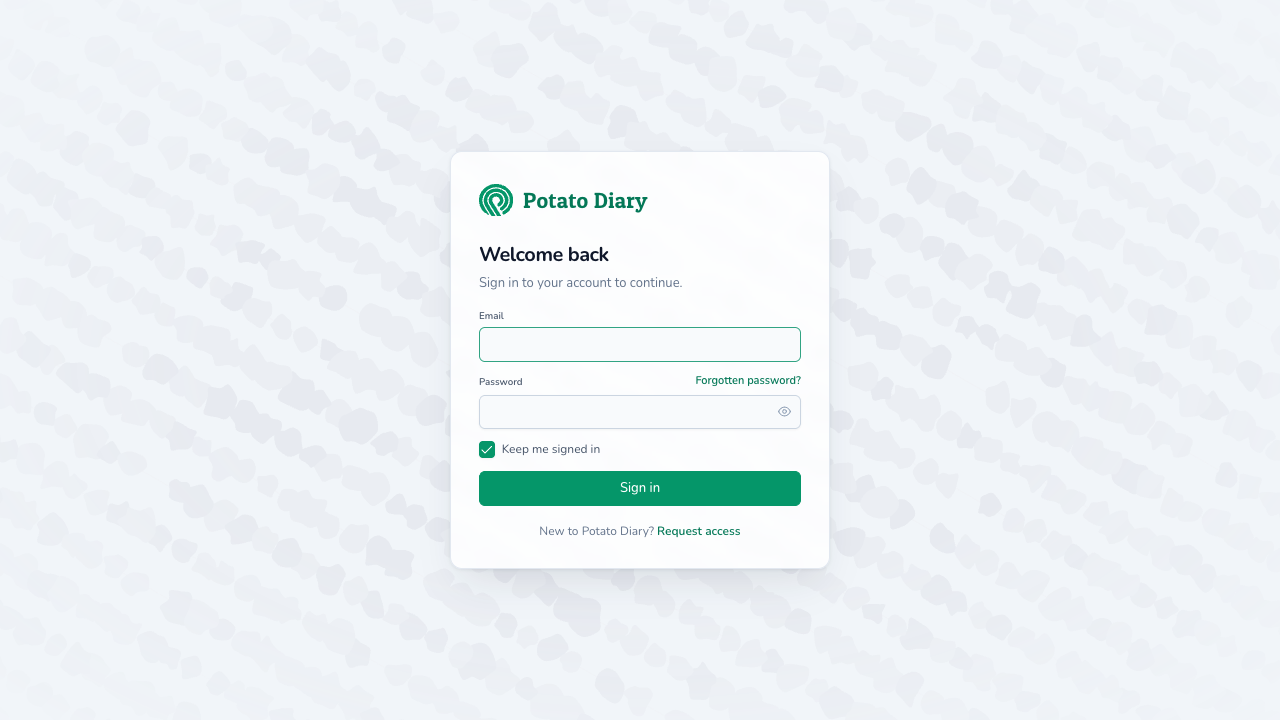
Go to potatodiary.com/login in your browser. You'll see a sign-in card headed Welcome back, centred over an animated potato-field background.
TIP
On a phone or tablet the card scales down, but the form is the same. Everything below works the same way.
Step 2 — Enter your email address
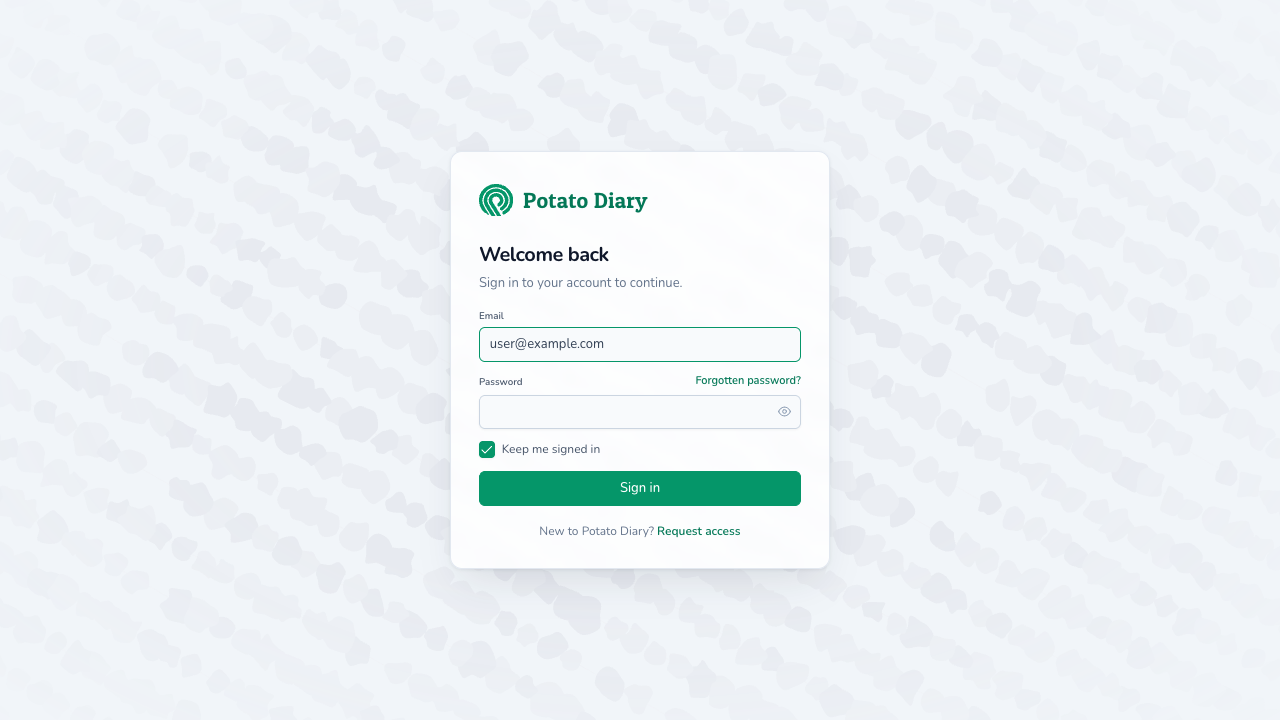
The cursor will already be in the Email field when the page loads. Type the email address you were invited with.
Step 3 — Enter your password
Click into the Password field and type your password. To check what you've typed, click the eye icon on the right of the field.
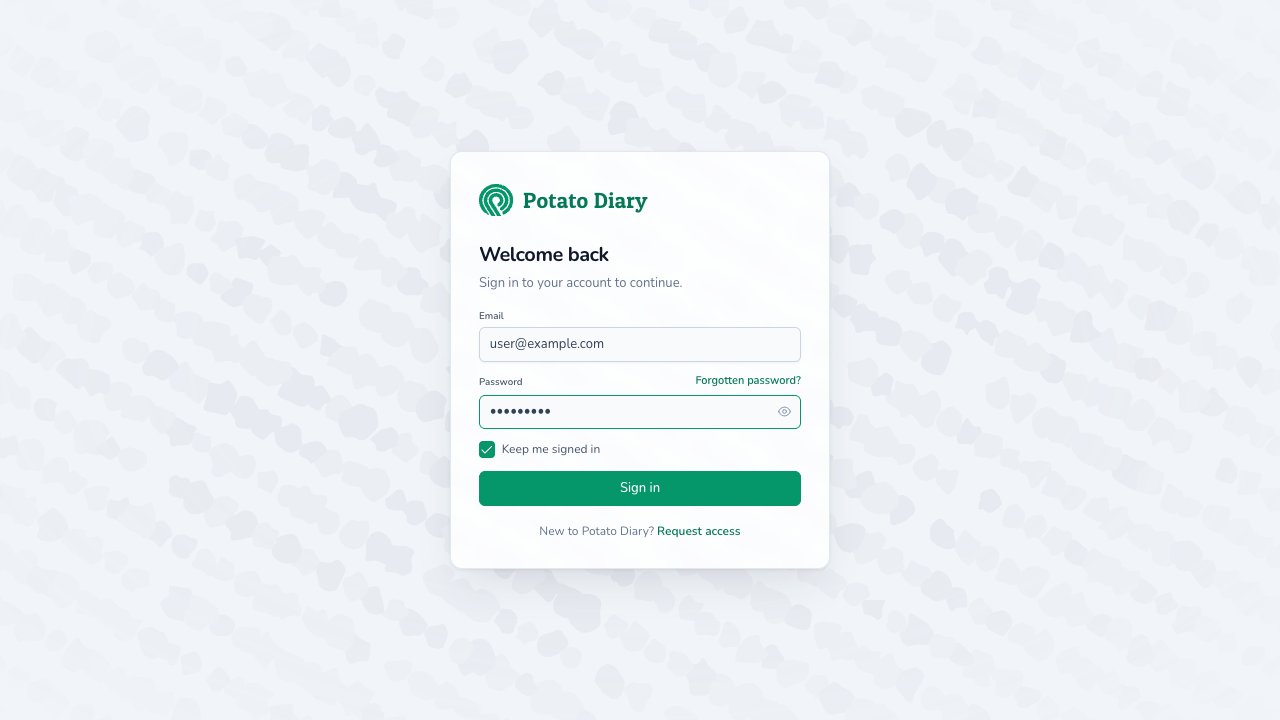
Below the password there's a Keep me signed in checkbox, ticked by default. Leave it ticked on your own computer and the browser stays signed in until you log out, even if you don't use Potato Diary for a while. Untick it on a shared or public computer, and always use Logout in the user menu when you've finished.
Step 4 — Click Sign in
Click the green Sign in button.
- If you opened the login page yourself, you'll land on your team's Dashboard.
- If you were sent to the login page from a link, for example a link in an email, you'll go straight to the page that link points to.
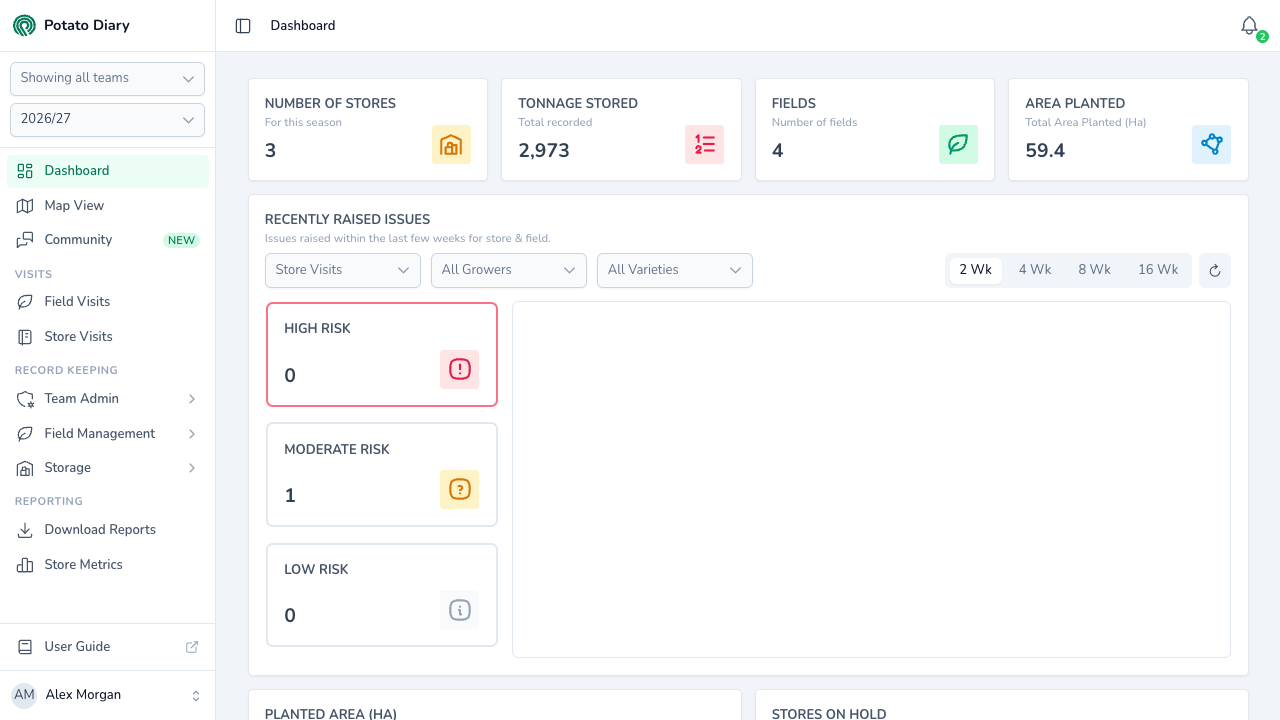
That's it, you're in. See Getting around the app for a tour of the sidebar and top bar.
What if my password is wrong?
If the email or password doesn't match, a red message reading The provided credentials are incorrect. appears above the Sign in button. Your email and password stay filled in, so check them and try again.
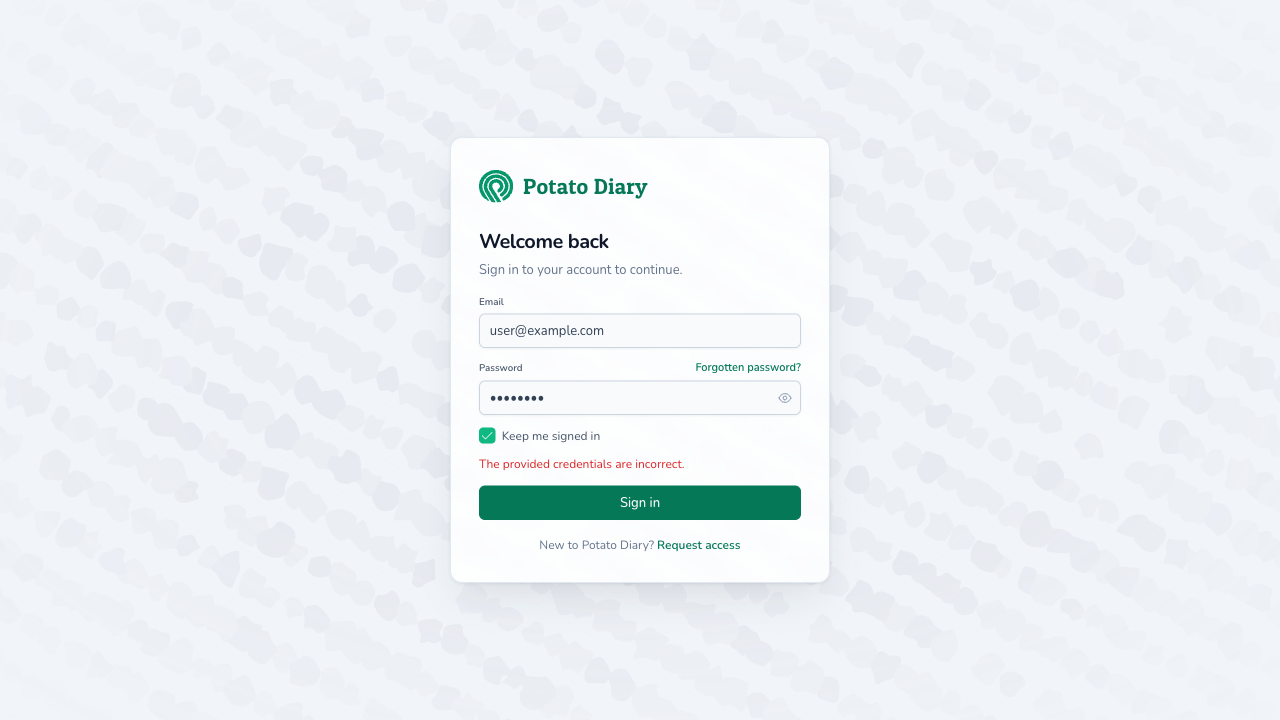
You'll see the same message if you've been invited but haven't accepted the invitation yet. Use the link in your invitation email to set up your account first.
What if I've forgotten my password?
Click Forgotten password? to the right of the Password label. You'll be taken to a page where you can enter your email address, and Potato Diary will send you a reset link.
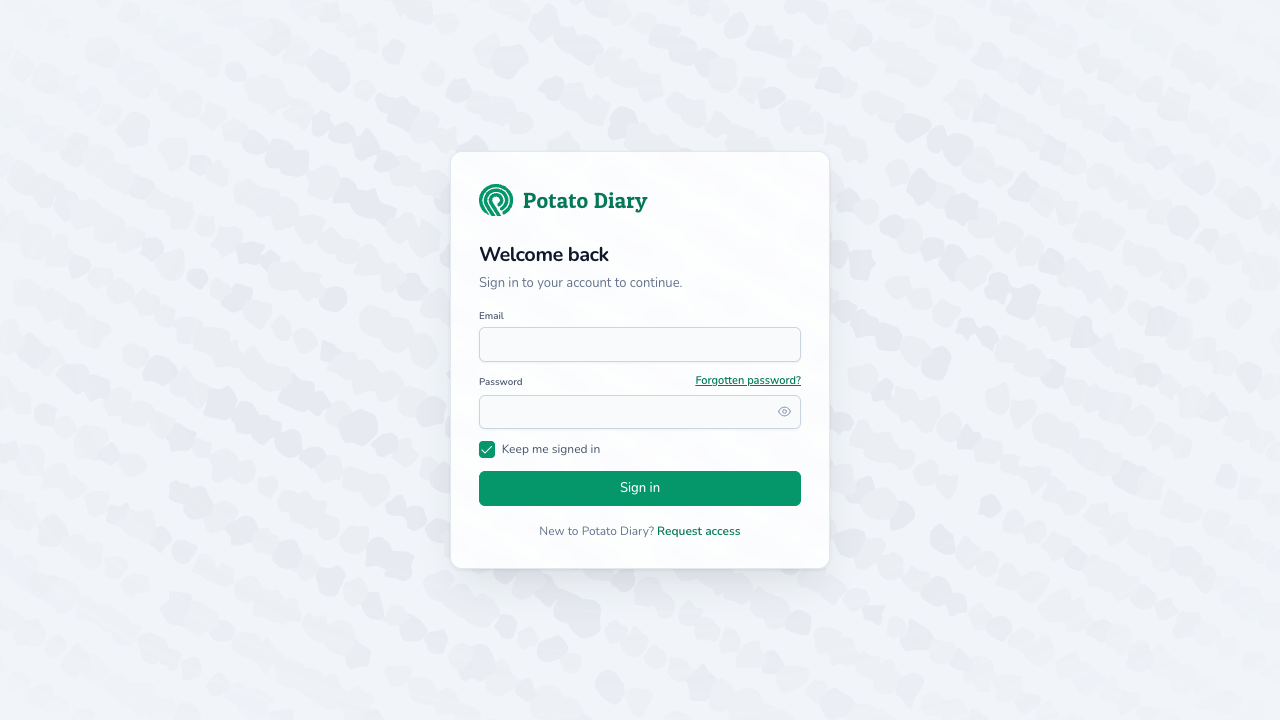
See Resetting your password for the full walk-through.
What's next
- Getting around the app — Find your way round the sidebar, section panels and top bar.
- Updating your profile — Change the name your team sees you as.