
Appearance
Ask AI
Ask AI opens a chat with an AI assistant set up as a UK potato storage expert. You can ask it general questions about storing potatoes, such as curing, temperature and humidity, ventilation, sprout control, or what might be behind a quality problem, and it answers in plain language. Your conversations are saved, so you can go back to them later.
Who can use it
Ask AI is switched on for individual accounts by Potato Diary. It isn't part of a team module, and your team admin can't turn it on for you. If you'd like to use it, get in touch with Potato Diary support.
Once it's switched on for your account, you'll see the Ask AI button. If you don't see it, Ask AI isn't switched on for you.
Step 1 — Open the chat
There are two ways to open Ask AI:
- Click the Ask AI button in the top bar, to the left of the notifications bell.
- At the bottom of the sidebar, click your name, then choose Ask AI.
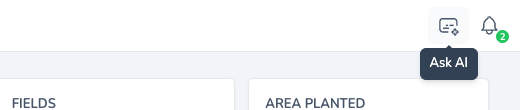
The Chat with an AI Agent panel opens on the right of the page.
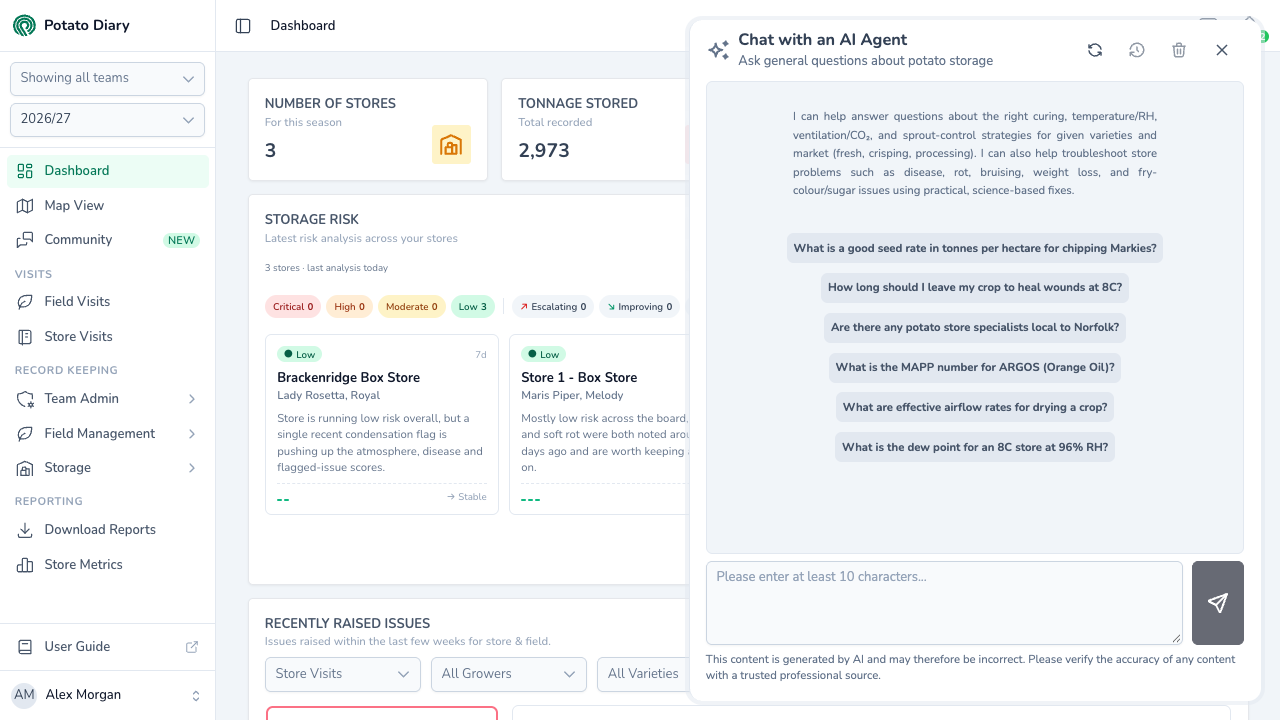
The panel stays open while you carry on using the page beside it. Clicking elsewhere on the page doesn't close it. To close it, click the cross at its top right.
If you started a conversation earlier today, the panel opens on that conversation so you can carry on where you left off. Otherwise it opens on a new conversation.
Step 2 — Ask a question
A new conversation shows a short description of what the assistant can help with, and six example questions. Click an example to copy it into the message box, then change it if you like.
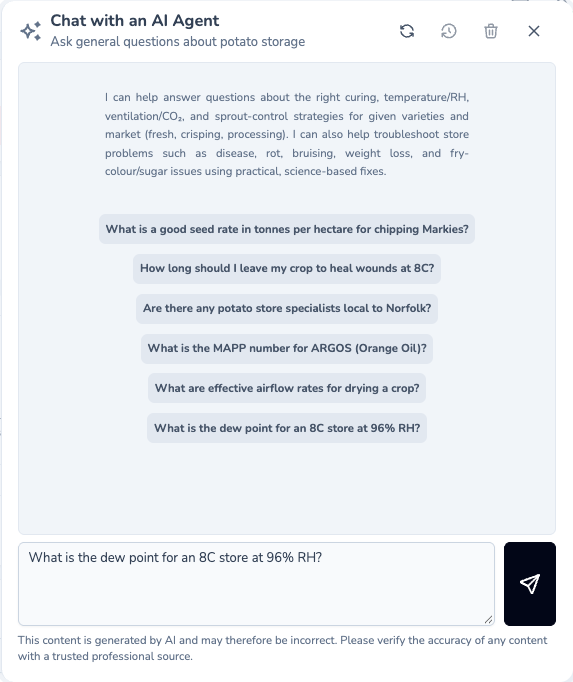
To ask your own question, type it in the box at the bottom of the panel. Your question needs to be at least 10 characters long: the send button, to the right of the box, stays greyed out until it is.
Click the send button to send your question. Pressing Enter starts a new line in the box rather than sending.
The answer appears word by word as it's written. Answers can include headings, lists and links. Links open in a new tab. To ask a follow-up, type it in the box and send it. The assistant remembers what's already been said in the conversation.
The new conversation is given a short title, which shows under Chat with an AI Agent at the top of the panel.
WARNING
If something goes wrong while sending your question, the panel doesn't show an error: your question just stays in the box with no answer. Close the panel, open it again and try once more.
What it can and can't help with
The assistant is set up to answer as a UK potato storage consultant. It's best at questions about:
- Varieties: how long common UK varieties store, and which markets (fresh, crisping or processing) they suit.
- Storage practice: curing, temperature and humidity, ventilation, CO₂ and sprout suppression, including the alternatives to CIPC and Red Tractor guidance.
- Pests and diseases in store: problems such as silver scurf, dry rot, gangrene, soft rot and black dot, and what to change in the store to manage them.
- Quality: firmness, colour and fry colour, sugars, weight loss and bruising.
- Store design and energy: energy-efficient storage, refrigeration and ventilation.
To answer, it can draw on a library of reference documents provided by Potato Diary, and it can search the web, looking for UK results, when it isn't sure of something, such as a product's details. It explains why it recommends something and what to keep an eye on, and it's told to say so when it doesn't know an answer rather than guess. It assumes your questions are about the current season unless you say otherwise.
It can't:
- See your Potato Diary records. It has no access to your stores, visits, readings, treatments or any other data in the app. If your question depends on your store's conditions, include the details in your question, for example the variety, temperature and humidity.
- Make changes in Potato Diary. It only answers questions.
WARNING
Answers are written by AI and can be wrong. As the note under the message box says, check anything you plan to act on with a trusted professional source, especially product rates, approvals and safe-movement intervals.
Going back to an earlier conversation
Every conversation you have is saved to your account. Only you can see your conversations.
Use the buttons at the top right of the panel:
- Conversation History (the clock): lists your conversations, newest first, each with its title, the date it was started and the number of messages in it. Click one to open it. Click New at the top of the list to start a fresh conversation. The button is greyed out until you have at least one saved conversation.
- Refresh (the circular arrows): reloads the list of conversations.
- Delete Conversation (the bin): deletes the conversation you have open, after you confirm. This can't be undone.
WARNING
Conversation History only lists your 15 most recent conversations. Older conversations are still saved, but you can't open them from the panel.
What's next
- The Community forum — Put a question to other growers and storekeepers instead.
- Getting around the app — Find the top bar, the user menu and the rest of the app.